The Best IPTV Service
for Every Screen
Stream live TV, sports, movies, and international channels on virtually any device. BestPlaylistTV helps you navigate the world of IPTV — comparing providers, explaining plans, and guiding your setup — so you can make a smarter choice for your home entertainment.
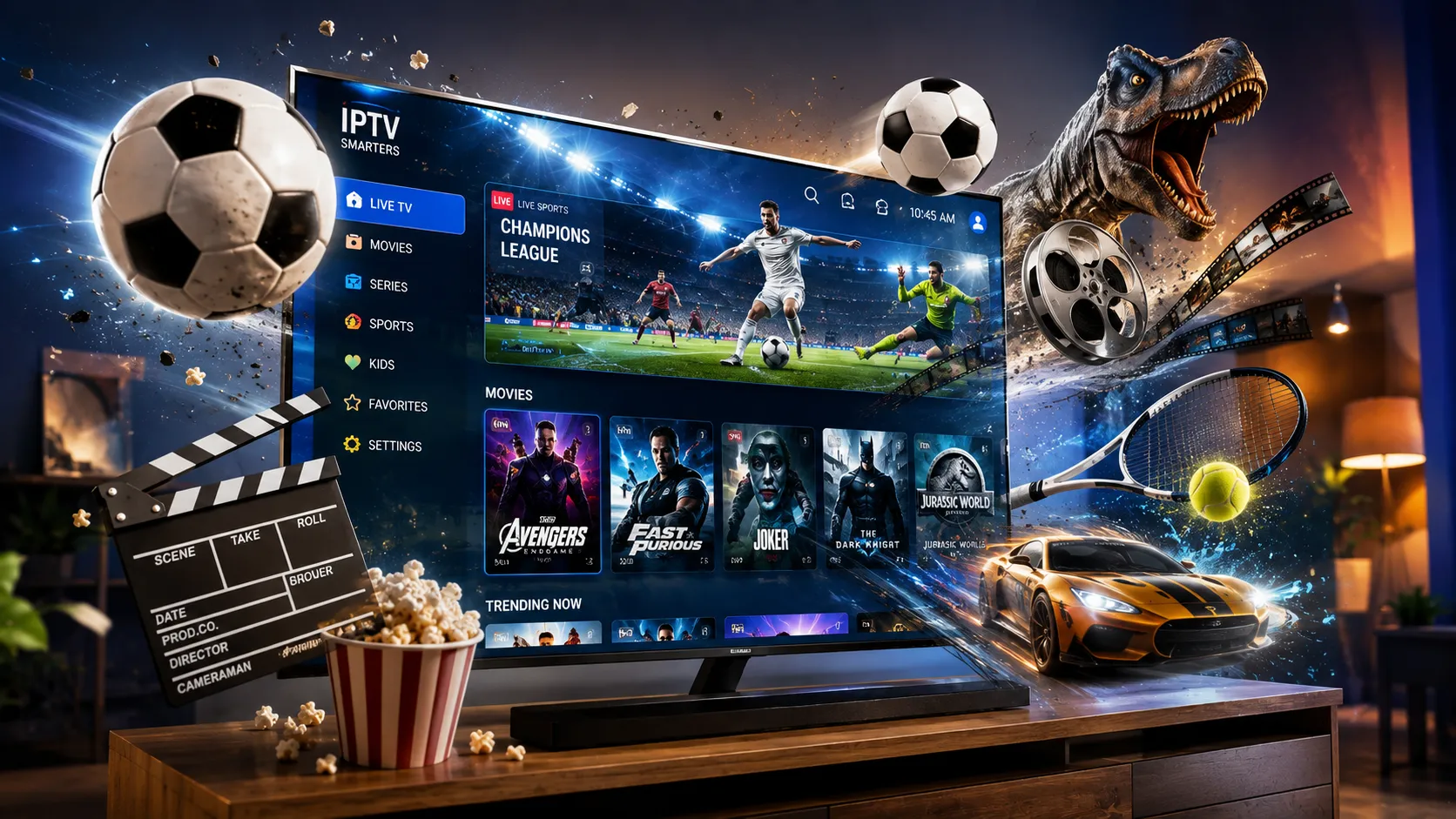
Television Delivered the Modern Way
IPTV — Internet Protocol Television — delivers live TV and on-demand video through your broadband connection rather than a cable or satellite dish. That means more flexibility, a wider range of content, and a viewing experience you can take to any screen in your home or on the go.
Live TV on Every Device
Watch the channels you love on your smart TV, Fire Stick, phone, tablet, or laptop. IPTV isn't locked to one box — your subscription travels with you wherever you have an internet connection.
No Satellite Dish Required
Skip the installation engineers and rooftop equipment. IPTV runs entirely over your existing broadband — a standard home internet connection is all you need to get started today.
International Channels & Languages
Whether you're looking for US sports, UK drama, Caribbean news, or Arabic entertainment, a quality IPTV subscription brings content from around the world into one organised channel list.
On-Demand Movies & Series
Most IPTV services include a video-on-demand (VOD) library alongside live channels. Browse movies, TV series, and catch-up content at a time that suits you, without separate streaming app subscriptions.
More Value Than Cable
Cable TV contracts lock you in for 12–24 months at prices that keep rising. IPTV subscriptions are typically month-to-month, more affordable, and bundle in more channels per dollar or pound spent.
Easy to Set Up in Minutes
Installing IPTV is straightforward: download a player app, enter your subscription details, and your channel list populates instantly. Our complete IPTV setup guide walks you through every device step by step.
From Sign-Up to First Stream in Four Steps
Setting up an IPTV service doesn't need to be complicated. Here's how the process typically works — from choosing your subscription to watching your first live channel.
Choose Your Subscription Plan
Browse available IPTV subscription options and select the plan that matches your viewing needs — whether that's a monthly trial, a quarterly plan, or a longer-term commitment for better value. Consider the channel lineup, simultaneous connections, and VOD library on offer.
Download a Player App
Install a compatible IPTV player on your chosen device. Popular options include IPTV Smarters Pro, TiViMate (for Android), or a provider-specific app. Most are free to download from the app store on your device. Check our setup guide for device-specific instructions.
Enter Your Credentials
Once your subscription is active, you'll receive a server URL along with a username and password, or an M3U playlist link. Enter these details into your player app. The channel list and EPG (electronic programme guide) will load automatically.
Start Watching
Browse your channel list, search the VOD library, or check the programme guide to see what's on. You can typically stream on your TV at home and switch to your phone or tablet when you're out — all on the same subscription credentials.
HD and 4K Streaming That Actually Holds Up
The quality of your IPTV stream depends on two things: the capability of your chosen provider's infrastructure, and the speed of your home internet connection. Modern IPTV services deliver standard definition, 720p, 1080p Full HD, and in many cases 4K streams — the same resolutions you'd expect from any top-tier streaming platform.
For most household viewing — live sports, news, drama, entertainment channels — a stable 25 Mbps broadband connection is more than sufficient. If you're chasing 4K content or streaming on multiple screens simultaneously, you'll want 50 Mbps or faster. A wired Ethernet connection consistently outperforms Wi-Fi for stability, particularly during live events.
- SD, HD, Full HD, and 4K streams depending on provider and channel
- Low-latency live TV suited for sports and news broadcasts
- Stable playback on most broadband connections of 15 Mbps+
- Multiple simultaneous streams available on higher-tier plans
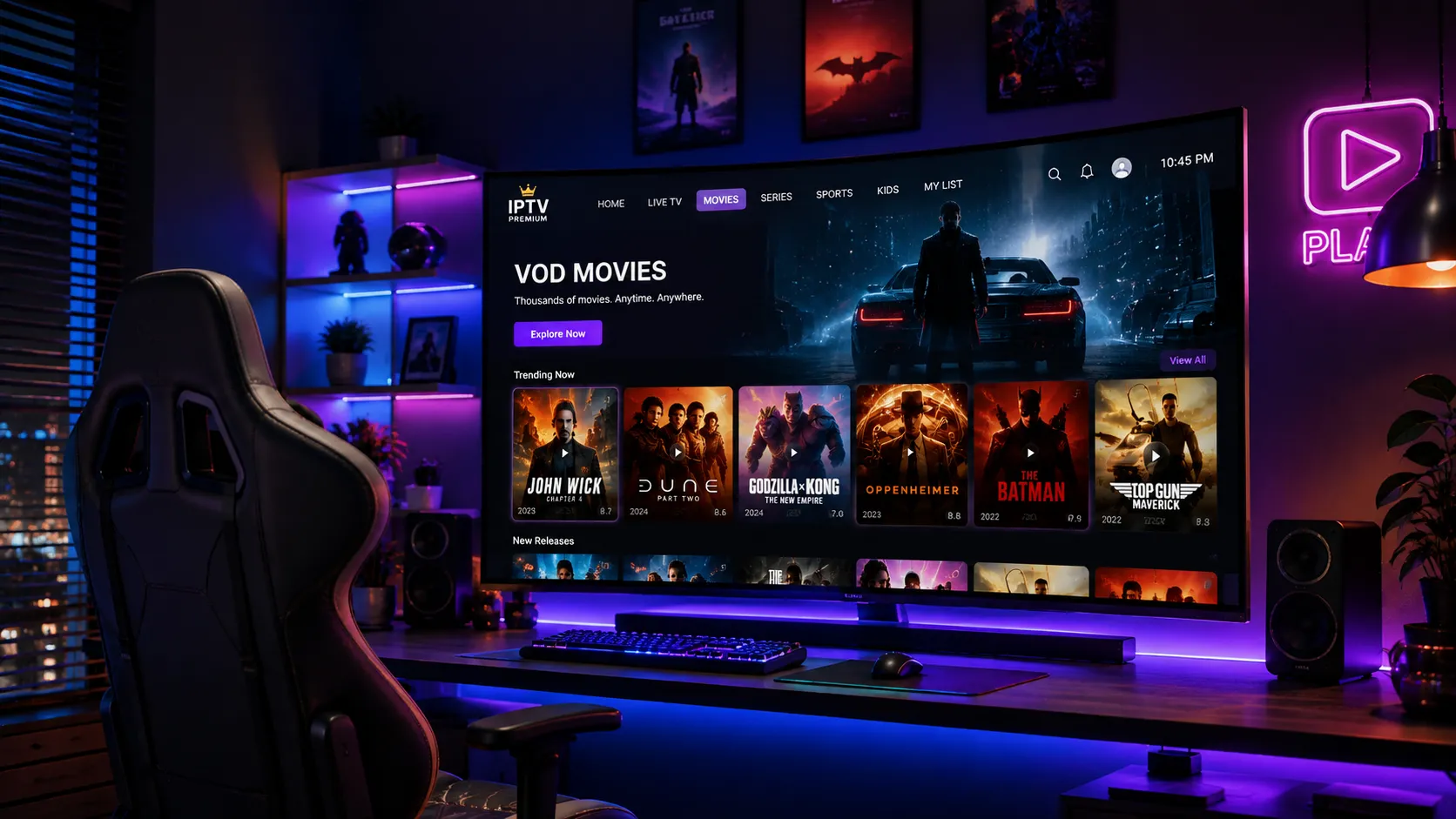
Watch on the Device You Already Own
One of the biggest advantages of IPTV over cable or satellite is device flexibility. You're not tied to a specific set-top box from your provider. Instead, you can use almost any device that connects to the internet and supports a media player app.
Amazon Fire TV Sticks and Fire TV Cubes are among the most popular choices because of their low cost, wide app support, and dead-simple setup process. Android TV boxes give you more performance headroom for 4K streams. Roku devices, Apple TV, Samsung and LG Smart TVs, iPhones, iPads, Android phones, and Windows or Mac computers all work well with the right IPTV player installed.
- Amazon Fire TV Stick and Fire TV Cube
- Android TV boxes and smart TVs (Samsung, LG)
- Roku, Apple TV, and Chromecast
- iOS and Android smartphones and tablets
- Windows PCs and Mac computers via desktop apps or browser
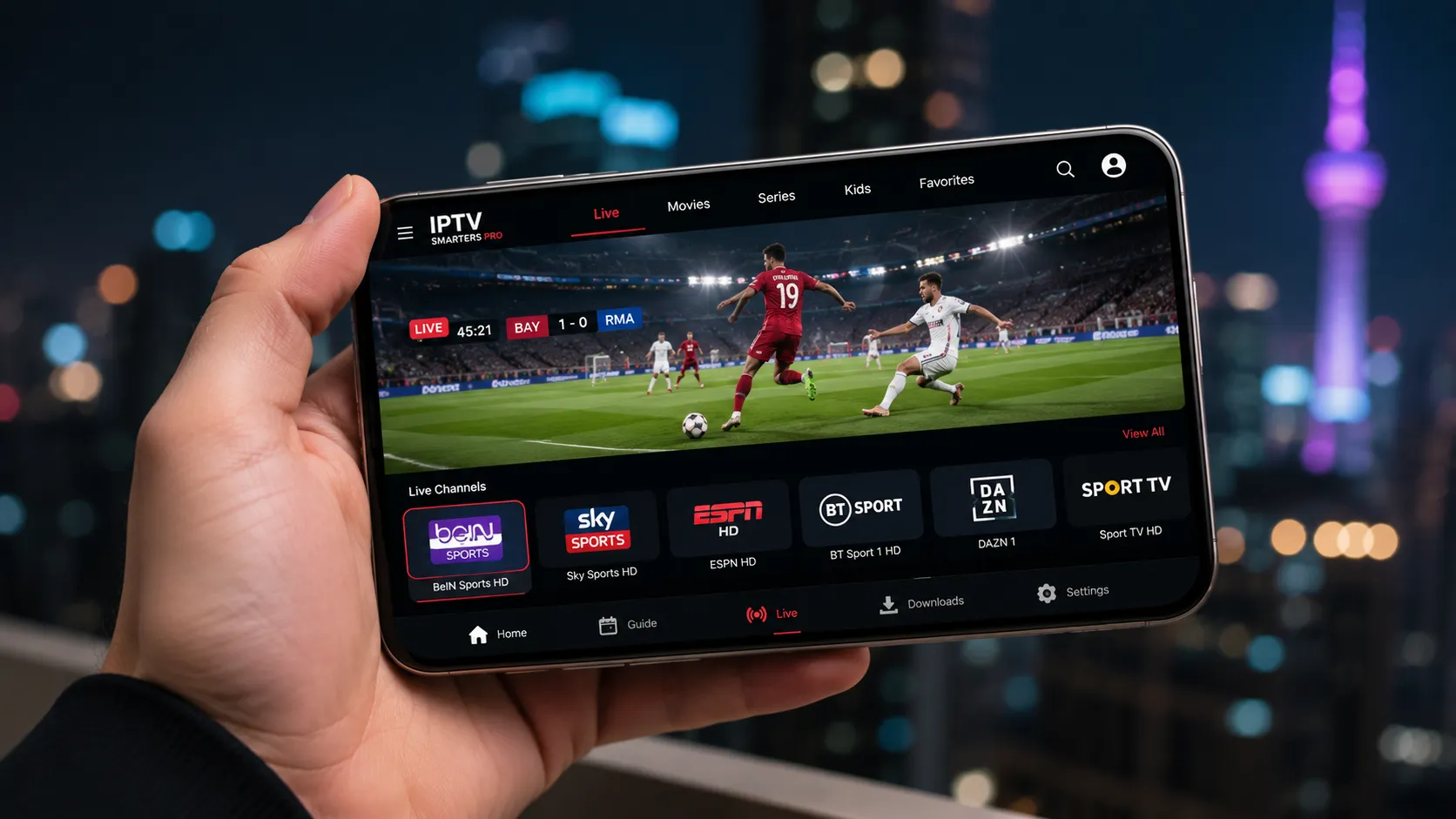
Supported Viewing Environments
IPTV services work across a wide range of hardware. Here's what you can expect to use.
Amazon Fire TV Stick
Plug directly into your TV's HDMI port. Sideload IPTV Smarters Pro or use compatible apps from the Amazon store.
Android TV & Boxes
Android TV gives you the widest choice of player apps including TiViMate, IPTV Smarters Pro, and OTT Navigator.
Roku
Use Roku Smarters Player or Televizo to load your IPTV subscription directly onto a Roku streaming device or Roku TV.
Apple TV & iOS
Apple TV supports IPTV via apps like IPTV Smarters Pro and GSE Smart IPTV. iPhone and iPad users can use the same apps.
Smart TVs (Samsung / LG)
Newer Samsung and LG smart TVs support IPTV through Smart IPTV, SS IPTV, or browser-based player options.
Windows & Mac
Use desktop players like VLC (with M3U playlist), IPTV Smarters for Windows, or a browser-based player on any computer.
Sports, Entertainment, News & More — All in One Place
The breadth of channel coverage is one of the most compelling reasons people switch to IPTV from cable or satellite. While a standard cable package might offer 100–200 channels, premium IPTV subscriptions can include thousands of channels spanning live sports, US and UK entertainment, international news, children's programming, and foreign-language content from across the globe.
Sports coverage is a particular strength. Many providers carry NFL, NBA, NHL, MLB, Premier League, Champions League, LaLiga, and international cricket — often on dedicated high-definition sports channels. A well-structured electronic programme guide (EPG) lets you plan ahead and never miss a fixture.
Beyond live TV, most subscriptions include a growing video-on-demand (VOD) library where you can watch movies, box sets, and series at your own pace. Content libraries vary significantly between providers, so comparing options before subscribing is always worth your time.
Explore IPTV Channels Guide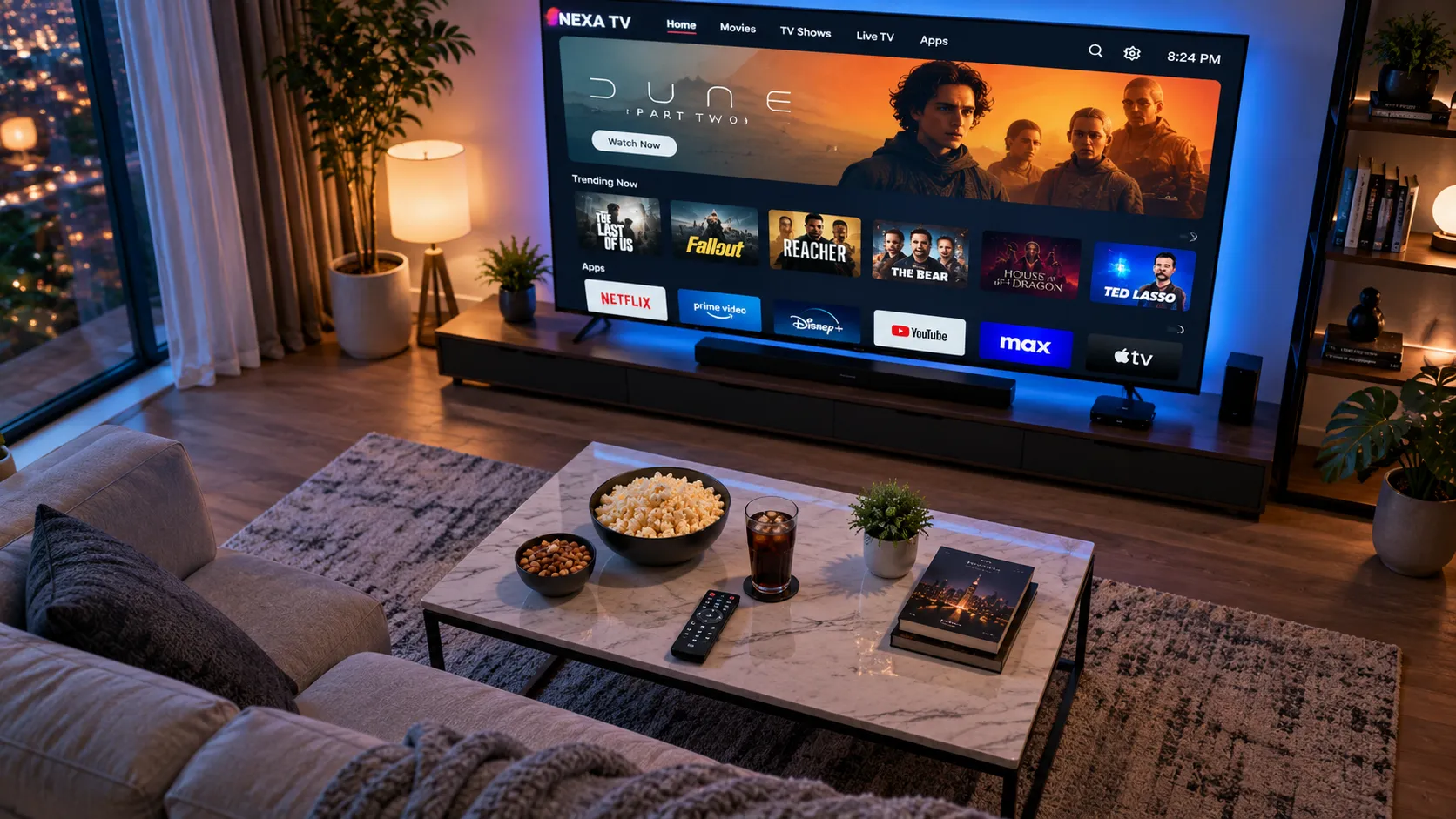
Popular Channel Categories
Content availability varies by provider and subscription tier
Why More Viewers Are Choosing IPTV in 2026
The shift away from traditional pay TV has been building for years. IPTV is no longer a fringe technology — it's the viewing method of choice for millions of households across the USA, UK, and Canada.
Cable Prices Keep Rising
The average American cable TV bill has increased year-on-year for more than a decade. Promotional introductory rates expire, equipment rental fees add up, and sports surcharges arrive without warning. IPTV puts the pricing power back in your hands — you choose your plan, your budget, and your renewal terms.
Broadband Is Fast Enough Now
The main barrier to widespread IPTV adoption a decade ago was internet speed. In 2026, the majority of homes in the USA and UK have broadband connections fast and stable enough to stream HD content without issue. Fibre optic and cable internet have made 4K IPTV streaming accessible to mainstream households.
Flexible Month-to-Month Terms
Unlike satellite TV contracts that penalise you for leaving early, many IPTV subscriptions operate on short-term or rolling month-to-month payment structures. If a provider's quality declines or a better option emerges, you're not locked into a 24-month commitment. That flexibility is something cable companies simply can't match.
What to Look For in a Quality IPTV Service
Not all IPTV providers are created equal. The market contains a wide range of options — from high-quality, well-supported services to unreliable providers that overpromise and underdeliver. Before committing to any subscription, it's worth evaluating a provider against a few key criteria.
Server stability is the foundation of a good IPTV experience. A provider might advertise 10,000 channels, but if their servers are overloaded during peak hours or a major live sports event, the channel count is meaningless. Look for services with a track record of consistent uptime and dedicated infrastructure for high-demand events.
Channel quality and accuracy matters as much as quantity. An EPG (electronic programme guide) that's consistently accurate, properly timed, and reliably updated is a sign of a well-maintained service. Channels that are mislabelled, out of sync, or frequently broken are a red flag regardless of how attractive the pricing looks.
Customer support responsiveness is easy to overlook until something goes wrong. A provider with accessible, knowledgeable support — reachable by WhatsApp, email, or live chat — makes a significant difference when you encounter a technical issue. Always test a provider's support responsiveness during a free trial period before upgrading to a paid subscription. Our IPTV provider comparison evaluates each service on these criteria to help you choose with confidence.
Not Sure Which IPTV Service to Choose?
Getting the right IPTV subscription for your setup and viewing habits makes all the difference. Chat with us on WhatsApp and we'll help you find the most suitable option.
IPTV vs Cable TV: The Honest Comparison
Cable TV in the US typically costs between $70 and $120 per month once you account for equipment rental fees, regional sports surcharges, and the ever-present annual price increase. Contracts lock you in for 12 to 24 months, and the early cancellation penalties are rarely small. In the UK, satellite TV packages carry similar long-term commitments.
A comparable IPTV subscription offering a similar or larger channel lineup generally costs a fraction of that price, paid month-to-month with no long-term contract. The trade-off is that you're responsible for your own device — but given that a capable streaming stick costs less than a single month of cable, that's a trade most viewers are happy to make.
There's a legitimate question of consistency and reliability too. Cable has the edge on raw infrastructure stability. A well-chosen IPTV service from a reputable provider with good server infrastructure can, however, deliver consistent performance for the vast majority of viewing hours — particularly on a solid wired broadband connection.
Read the Full IPTV vs Cable Comparison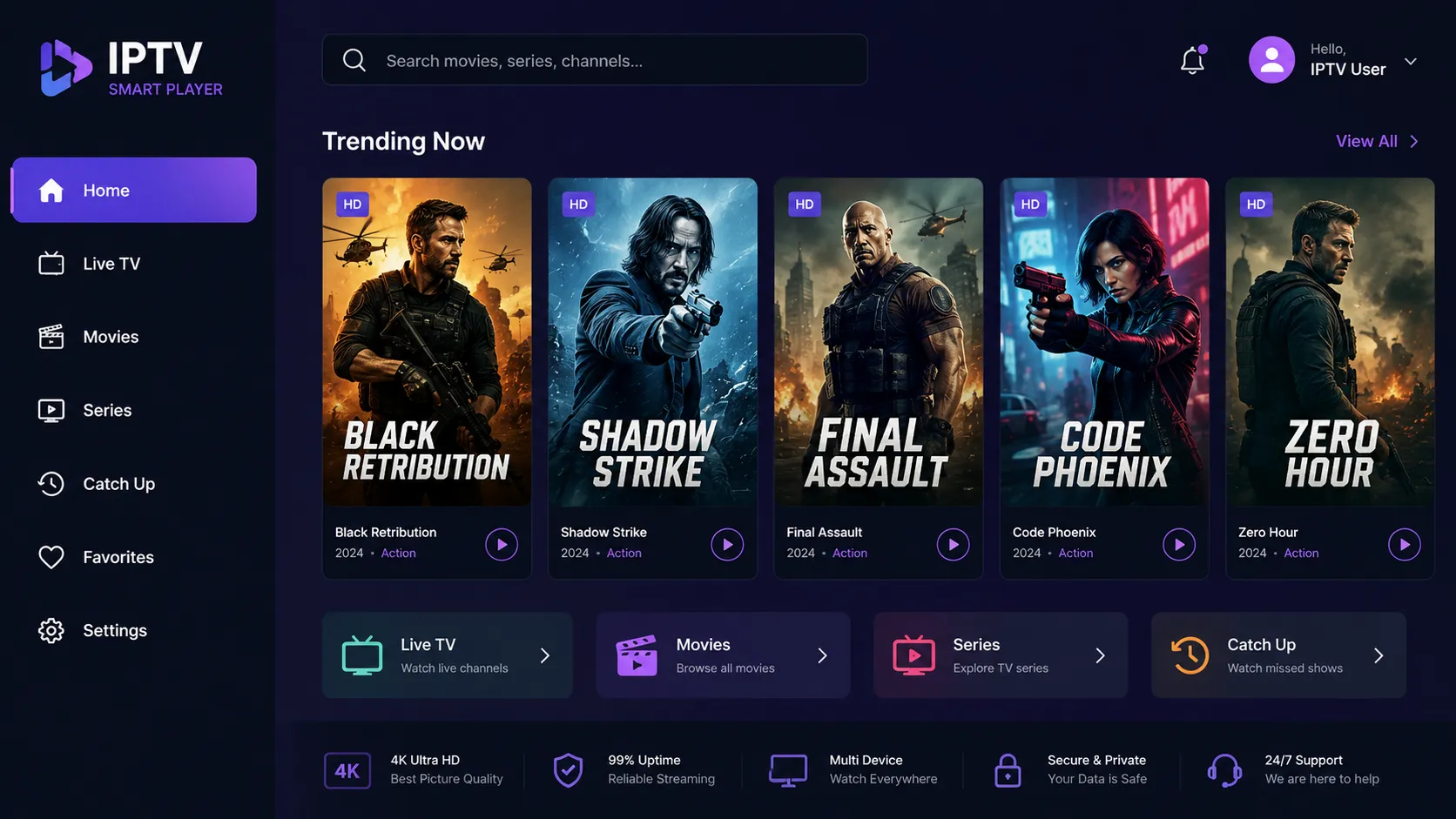
Flexible Plans to Suit Your Viewing
Most IPTV providers offer tiered subscription plans. Understanding what each tier typically includes helps you choose the right option without overpaying.
Try It Out
Perfect if you want to test a provider's channel quality, buffering performance, and VOD library before committing longer term.
- Full live channel access
- VOD library included
- 1 simultaneous connection
- No long-term contract
Best Value
The sweet spot for most households. Enough time to enjoy the service fully, at a meaningfully lower per-month cost than rolling monthly.
- All live channels + EPG
- Full VOD & catch-up library
- 2–3 simultaneous connections
- Priority support access
Lowest Per-Month Cost
The most economical choice for households that know they want IPTV long-term and want to maximise savings over 12 months.
- Complete channel lineup
- Extensive VOD library
- Up to 5 simultaneous streams
- Best per-month pricing
Not sure which plan suits you? Chat with us on WhatsApp and we'll help you decide.
Everything You Need to Know About IPTV
Our comprehensive guides cover every aspect of IPTV streaming — from choosing a provider and understanding subscriptions to setting up your devices and fixing common issues.
Compare top-rated IPTV services across channel count, stream quality, pricing, and device support to find the right fit.
Read the comparison →Understand what different IPTV subscription tiers include, how pricing works, and how to avoid overpaying for features you don't need.
Explore subscription options →Step-by-step instructions for getting IPTV running on Fire Stick, Android TV, Roku, Apple TV, smart TVs, and more.
Start your setup →Explore the types of channels available on IPTV services, from US sports networks to international entertainment and children's TV.
Browse channel categories →An honest, side-by-side comparison of IPTV and cable television across cost, channel variety, reliability, and flexibility.
See the full comparison →Fix buffering, freezing, connection drops, and playback issues with our practical, device-agnostic troubleshooting guide.
Solve your issue →Frequently Asked Questions
Answers to the questions we hear most often from viewers considering IPTV for the first time.
IPTV stands for Internet Protocol Television. Rather than receiving TV signals via a cable running into your home or a satellite dish on your roof, IPTV delivers television content over your existing broadband internet connection. The technology works by streaming video data in packets to your device in real time — much like how YouTube or Netflix delivers content, but applied to live television channels.
The key practical difference is flexibility. With cable or satellite, you're tied to a specific box or dish at a fixed location. With IPTV, any internet-connected device with a compatible player app can access your subscription — your TV in the living room, your tablet in the bedroom, or your phone when you're travelling.
As a general guide: standard definition (SD) content requires around 5–8 Mbps; HD streams need 15–25 Mbps; and 4K content comfortably works at 50 Mbps or higher. These figures apply per stream, so if multiple people in your household are streaming simultaneously on the same subscription, you'll need to multiply accordingly.
A wired Ethernet connection to your streaming device tends to be significantly more stable than Wi-Fi, especially during live sports or peak evening viewing hours when Wi-Fi networks can become congested. If you're experiencing buffering, connecting via Ethernet is usually the single most effective first step to try.
IPTV works on a wide range of devices: Amazon Fire TV Stick and Fire TV Cube, Android TV boxes, Roku streaming devices, Apple TV (4th generation and later), Samsung and LG smart TVs, Android smartphones and tablets, iPhones and iPads, Windows PCs, and Mac computers. Some providers also support Mag boxes, which are dedicated IPTV set-top boxes.
Device compatibility can vary between providers and apps, so it's worth confirming that your preferred device is supported before subscribing. Our IPTV setup guide includes device-specific instructions for the most common configurations.
An IPTV subscription gives you access to a provider's channel lineup and content library for a defined subscription period. Exactly what's included depends on the provider and plan tier, but typically you get: access to live TV channels organised into a channel list, an electronic programme guide (EPG) showing what's on and what's scheduled, a video-on-demand (VOD) library of movies and series, and login credentials (username, password, and server URL or M3U link) to use with your player app of choice.
Higher-tier plans often allow more simultaneous connections, so more people in the same household can stream on different devices at the same time. Some providers include catch-up TV functionality as well. Our IPTV subscription guide explains what to look for in detail.
For an Amazon Fire Stick, the most common approach is to sideload IPTV Smarters Pro (since it may not appear in the Amazon Appstore directly in all regions). This involves enabling apps from unknown sources in the Fire Stick settings, then downloading the APK file using the Downloader app. Once installed, you open IPTV Smarters Pro, add your service using the Xtream Codes or M3U URL option, and your channel list will load.
For smart TVs, many use the Smart IPTV or SS IPTV apps, or connect an external device like a Fire Stick or Android box if the TV's built-in options are limited. Our step-by-step IPTV setup guide covers the full process for each device type.
Buffering during IPTV playback has a handful of common causes. The most frequent is an insufficient or unstable internet connection — switching from Wi-Fi to a wired Ethernet connection often resolves the problem immediately. If your connection is fast but still struggling, check whether other apps or devices on your network are consuming significant bandwidth at the same time.
Server-side issues with the IPTV provider can also cause temporary buffering during peak hours or busy live events. If a specific channel buffers while others play smoothly, the issue is likely on the provider's side rather than your network. Our IPTV troubleshooting guide covers all the main fixes in detail.
Many IPTV services include sports channels as part of their standard or premium channel packages. Depending on the provider, these can include channels carrying NFL, NBA, NHL, MLB, Premier League, Champions League, LaLiga, international cricket, MMA, motorsport, and more. Sports coverage in HD or 4K is available from a number of providers, though channel lineups vary significantly.
It's worth noting that live sports is one of the most bandwidth-intensive and latency-sensitive use cases for IPTV. A stable, wired connection with sufficient speed makes a meaningful difference to the viewing experience during live events. Our IPTV channels guide explains sports coverage in more depth.
Many IPTV providers offer a free trial period, typically ranging from 24 hours to a few days, so you can assess the channel quality, stream stability, VOD library, and UI before paying for a longer subscription. Trial terms vary considerably between providers — some ask for payment details upfront while others offer a genuinely no-commitment trial period.
Using a free trial is a genuinely smart move before committing to any IPTV subscription. It lets you test how the service performs on your specific internet connection, device, and in your geographic location. Our dedicated IPTV free trial guide explains what to look out for during a trial.
Get the Right IPTV Service
for Your Home Today
Chat with us on WhatsApp and we'll match you with the IPTV subscription that fits your devices, budget, and viewing habits — no long-winded sales calls, just straightforward help.